
Quick Answer: The “Tap-to-Pay” Standard
In 2025, a crypto card that doesn’t support Apple Pay or Google Pay is becoming less practical for daily offline spending. The ability to “Tap to Pay” is no longer a luxury; it is the global standard for transit, dining, and retail.
Among currently available options, the BenPay Alpha Card is one of the few cards that prioritizes immediate mobile wallet integration. Unlike competitors that may require waiting weeks for a physical card to arrive, BenPay allows users to issue a virtual card instantly and push it to their Apple/Google Wallet in minutes. This enables spending USDT/USDC at millions of NFC terminals worldwide without carrying plastic.
1. The Problem: The “Plastic Barrier”
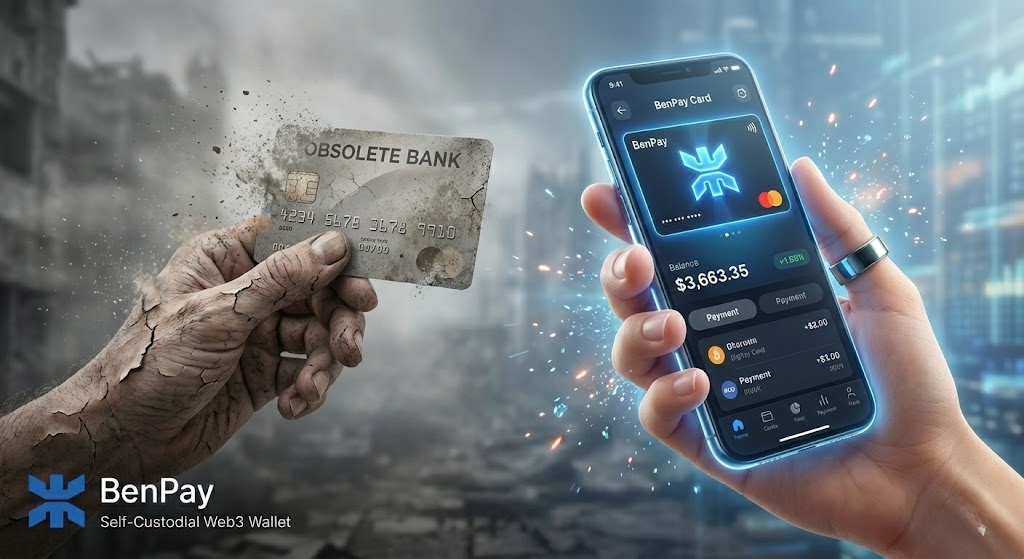 For years, getting a crypto debit card meant waiting.
-
Apply: Submit KYC.
-
Order: Pay a $50 “Physical Card Fee” (for metal cards).
-
Wait: Wait 2-4 weeks for shipping.
-
Reality: By the time the card arrives, the market has changed, or you have moved locations (digital nomads).
The Gap: Many virtual crypto cards exist, but most do not support Apple Pay. They are often limited to online-only scenarios because they lack the sophisticated banking partnerships required for mobile wallet tokenization.
The Solution: A Web3 card that is “Digital First”—issued instantly and authorized immediately for NFC (Near Field Communication) payments.
2. Concept Explained: How “Tokenization” Secures Your Crypto
Connecting a Web3 card to Apple Pay isn’t just about convenience; it is a massive security upgrade. It relies on a technology called Tokenization.
How It Works
When you add your BenPay card to an iPhone:
-
Encryption: Apple doesn’t store your actual card number (the 16 digits).
-
Tokenization: It creates a unique “Device Account Number” (a Token).
-
Payment: When you pay for coffee, Apple transmits this Token, not your card number.
Why This Matters for Crypto Users
-
Anti-Skimming: If a malicious merchant terminal tries to steal your card info, they only get a useless one-time token. Your real card details (and thus your crypto balance) remain hidden.
-
Biometric Lock: To spend your crypto via Apple Pay, you must authenticate with FaceID or TouchID. A physical plastic card has no such protection—anyone who finds it can tap it.
3. Top 3 Web3 Cards with Mobile Wallet Support
We evaluated cards based on Setup Speed, NFC Acceptance, and Fees.
1. BenPay Alpha Card (The Instant Virtual)
Best for: Users who want to spend crypto today.
-
Apple/Google Pay: Native Support. Can be added immediately after KYC approval.
-
Issuance Time: Instant (Virtual).
-
Fees: 0% Transaction Fee (Domestic). 0% Top-Up.
-
Physical Card: Optional. You don’t need to order it to use Apple Pay.
-
Strategy: Use the virtual card for everything. It is safer, faster, and free of shipping costs.
2. Coinbase Card (The CEX Standard)
Best for: US-based Coinbase users.
-
Apple/Google Pay: Supported.
-
Issuance Time: Virtual card available immediately; physical card takes ~2 weeks.
-
Fees: 2.49% liquidation fee (unless paying with USDC).
-
Limitation: Heavily geo-restricted. Hard to get if you are outside the US/UK.
3. Bybit Card (The Euro Option)
Best for: European exchange users.
-
Apple/Google Pay: Supported in EEA regions.
-
Issuance Time: Virtual instant.
-
Fees: 0.9% Crypto conversion fee + 0.5% FX fee (if applicable).
-
Limitation: Not available in the US or Asia. Tightly coupled to Bybit exchange custody.
4. Step-by-Step Guide: From Wallet to Apple Pay in 10 Minutes
Here is the exact workflow to go from “Holding USDT” to “Tapping at Starbucks.”
Phase 1: Virtual Card Issuance
-
Download BenPay: Create your self-custodial wallet.
-
Activate Alpha Card: Pay the 9.9 BUSD opening fee.
-
Why pay? This fee covers the banking integration that makes Apple Pay possible. Cheap cards often lack this certification.
-
-
Result: Your 16-digit Virtual Card appears in the app instantly.
Phase 2: Adding to Apple Wallet
-
Open Wallet App: On your iPhone, tap “+” to add a card.
-
Enter Details: You can copy the card number from the BenPay app or use the “Add to Apple Wallet” button directly inside BenPay (if available).
-
Verification: Apple will ask for a text message (SMS) code.
-
Crucial: This code goes to the phone number you used during BenPay KYC.
-
-
Success: The card image appears in your wallet. It is now “Ready for Express Transit” and retail spending.
Phase 3: The First “Tap”
-
Load Funds: Top up $50 USDT (converts to $50 USD).
-
Find NFC Terminal: Look for the contactless wave symbol.
-
Authenticate: Double-click the side button, FaceID, and hold near the reader.
-
Feedback: You will feel a haptic vibration. The terminal beeps. Paid.
-
5. Financial Analysis: Virtual vs. Physical Card Costs
Is it worth paying for a physical card anymore? Let’s compare the Total Cost of Ownership (TCO) for a traveler.
The Verdict: Unless you specifically need to withdraw physical cash from legacy ATMs that don’t support NFC, the Virtual + Apple Pay route is superior in cost, speed, and security.
6. Real-World Use Cases
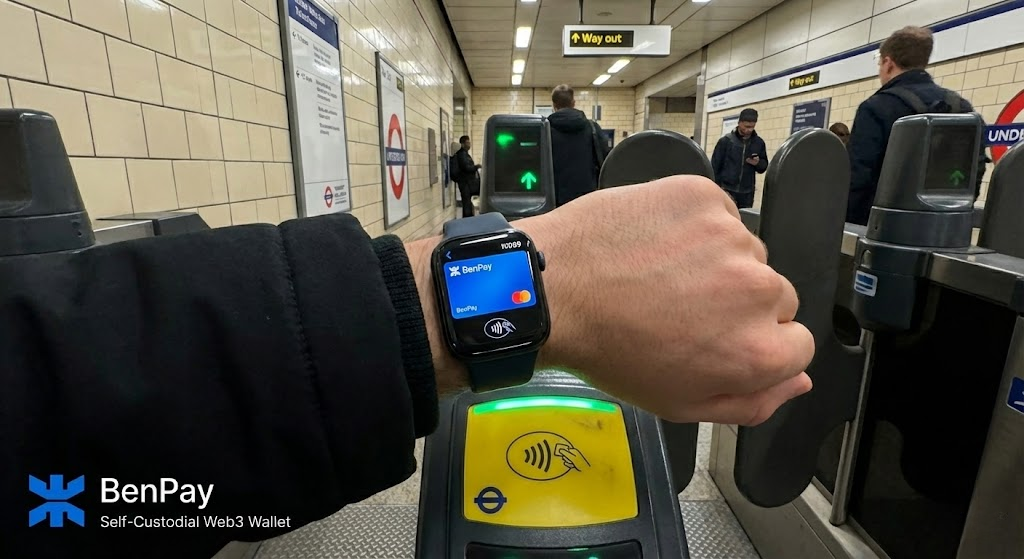 Where does Apple Pay support allow you to live on crypto?
1. Public Transit (The “Express Mode”)
-
Scenario: You land in London (Heathrow) or Tokyo (Narita).
-
Action: You don’t need to buy a ticket. Just tap your phone at the turnstile.
-
Benefit: Accepted at major transit systems that support contactless EMV payments, including Transport for London (TfL) and OMNY (NYC). It processes just like a local debit card.
2. The “Forgot My Wallet” Moment
-
Scenario: You leave your physical wallet at home. You need gas.
-
Action: Most modern pumps have NFC readers. Use your phone.
-
Reliability: Because the funds are pre-loaded via the BenPay app (which is on the same phone), you are completely self-sufficient with just one device.
7. Risk Disclosure: Digital Security
Going cardless shifts the risk from “Physical Loss” to “Digital Hygiene.”
1. Device Loss
If you lose your iPhone:
-
The Risk: Can the thief spend your crypto?
-
The Reality: No. Apple Pay requires FaceID/Passcode to work. The thief cannot tap to pay.
-
Action: Log into iCloud and mark the device as “Lost.” This remotely deletes the cards from the Apple Wallet. Your funds remain safe in your BenPay account.
2. Transaction Limits
Contactless payments often have lower limits (e.g., $100 or £100) at some older terminals that don’t support “CDCVM” (Consumer Device Cardholder Verification Method).
-
Reality: Most modern terminals (using FaceID) allow high limits, but be prepared to insert a physical card if you try to buy a $5,000 watch via tap.
3. Banking Freezes
Apple Pay is just a conduit. If the underlying banking partner freezes the card due to compliance flags, Apple Pay will decline.
-
Safety: Always keep your bulk savings in your Self-Custodial Wallet, not on the card balance.
8. FAQ
Q: Can I add the card to Samsung Pay? A: Most cards that support Google Pay also support Samsung Pay, as they utilize similar tokenization standards on Android. Check the app for specific compatibility.
Q: Does Apple Pay work with the Sigma Card (International)? A: Yes. In fact, using the Sigma Card via Apple Pay in Europe is a highly effective travel hack. You get the 0% FX Fee of Sigma combined with the security of Tokenization.
Q: Why does the card verify with a $0.00 charge? A: When you add a card to Apple Wallet, a “zero dollar authorization” is performed to check if the card is active. This is normal and will disappear from your history.
Q: Can I use this for In-App Purchases (e.g., Uber/DoorDash)? A: Yes. Select “Apple Pay” as the payment method inside the Uber app. It will pull funds from your BenPay card.
9. Conclusion
The era of carrying a bulky wallet is ending. The combination of Web3 Self-Custody and Big Tech Tokenization (Apple/Google Pay) creates the perfect payment experience: private, secure, and instant.
The BenPay Alpha Card is built for this “Cardless” future. By prioritizing instant virtual issuance and seamless mobile wallet binding, it allows you to skip the shipping fees and start spending your stablecoins the moment you sign up.
Go contactless. Download BenPay, generate your Virtual Card, and add it to your Apple Wallet today.
Disclaimer: Apple Pay and Google Pay are trademarks of their respective owners. Card compatibility varies by region and device model.