
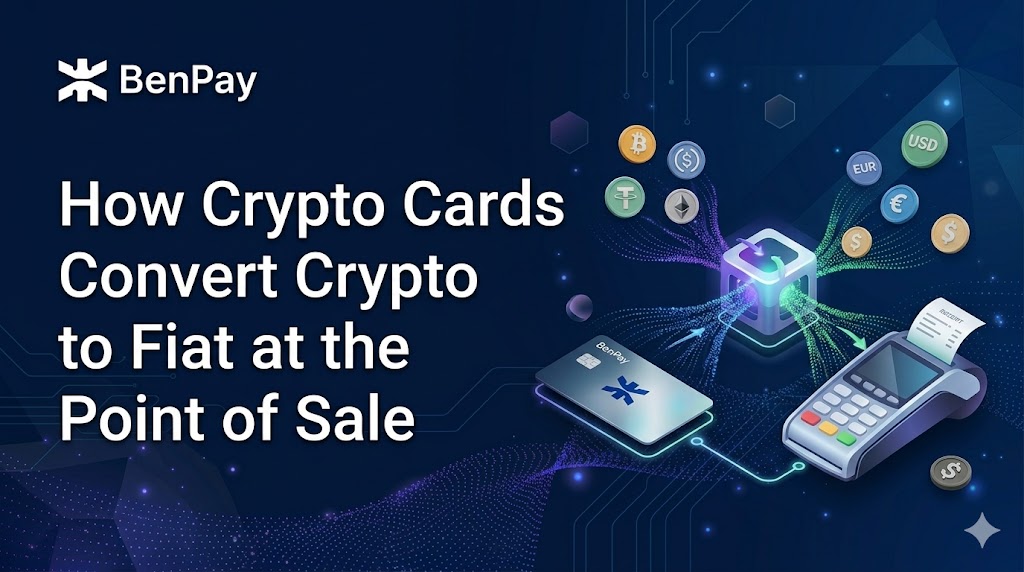
When you tap a crypto debit card at a store, the card doesn’t send cryptocurrency to the merchant — the issuer or its payment processor converts your crypto to local fiat currency and settles the payment through Visa or Mastercard, so the merchant receives an ordinary fiat payment. But this conversion isn’t magic. It involves multiple steps and multiple fee layers, most of which aren’t obvious from a product’s headline claims. This guide traces the full journey from “USDT in your wallet” to “local currency in the merchant’s account,” breaks down what you’re paying at each step, and offers practical ways to minimize costs. BenPay Card is used as one reference point throughout.
The Full Journey — From Crypto in Your Wallet to Fiat at the Register
Here’s what actually happens, step by step:
Step 1: You hold crypto in a wallet or exchange account. The starting point is your stablecoins (USDT, USDC, etc.) or other crypto assets, sitting on a blockchain. At this stage, they’re not yet “spendable” at a merchant.
Step 2: You load funds onto the card (top-up). This is where custodial and self-custodial cards diverge. With a custodial card (like Crypto.com), funds move instantly from your exchange balance to the card. With a self-custodial card (like BenPay Card), this often requires an on-chain transaction — signing with your private key to transfer stablecoins from your wallet to the card issuer’s settlement system. This step typically involves blockchain gas fees.
Step 3: Funds sit as a card balance. Once loaded, funds exist as a card balance. Different products handle the timing of conversion differently: some convert your crypto to fiat immediately upon top-up; others hold it in stablecoin form until you actually spend. This distinction affects when you’re exposed to exchange rate fluctuations — though for stablecoins pegged to USD, the difference is typically minimal.
Step 4: You tap, swipe, or enter card details at a merchant. Your card sends a standard Visa or Mastercard payment authorization request. From this moment on, the process is identical to any bank debit card — the merchant’s POS terminal doesn’t know or care that your funds originated as crypto.
Step 5: The card issuer settles in local fiat. The card issuer (or its payment processor) completes the crypto-to-fiat conversion (if not already done in Step 3) and settles the transaction through the Visa or Mastercard network in the merchant’s local currency. The merchant receives fiat.
Step 6: Fees are deducted at various points along this chain. This is what the next section unpacks.
The key takeaway: The merchant never touches crypto. The conversion happens between you and the card issuer, with Visa or Mastercard acting as the settlement rail — exactly as they would for any debit card transaction.
Fee Breakdown — Where Your Money Goes at Each Step
Crypto card fees don’t come from one place — they’re spread across multiple layers, and different cards charge differently at each one.
Layer 1: Blockchain Fees (When You Top Up)
Gas fees are paid to the blockchain network for processing your top-up transaction. The amount depends entirely on which chain you use:
- Ethereum mainnet: can range from a few dollars to $50+ during congestion
- Layer 2 networks (Arbitrum, Base, Optimism): typically under $0.50
- Low-gas networks such as Layer 2 chains or application-specific networks like BenFen: typically fractions of a cent
Bridge fees apply if your stablecoins are on a different chain than what the card requires. Moving USDT from Ethereum to BenFen, for example, involves a bridging fee plus gas on both chains.
This layer has nothing to do with the card issuer — it’s the cost of using blockchain infrastructure.
Layer 2: Card Issuer Fees (Top-Up, Monthly, Issuance)
Top-up fee: Some cards charge a percentage each time you load funds (commonly 0–2%). Others charge zero.
Monthly or annual fee: Some cards have recurring charges; many newer cards have eliminated these.
Issuance fee: A one-time card creation cost. Not universal — many cards are free to issue.
These fees vary by product and card tier. A card with “no monthly fee” might have a higher top-up fee, and vice versa.
Layer 3: Conversion Spread (Crypto → Fiat Exchange Rate)
When crypto is converted to fiat, the exchange rate applied isn’t necessarily the mid-market rate — there’s often a spread (a markup built into the rate). Some cards disclose this explicitly (e.g., “market rate + 0.5%”); others advertise “zero conversion fee” but embed their margin in the exchange rate itself.
This is the most commonly overlooked cost. Two cards with identical fee schedules can have meaningfully different total costs if one has a wider conversion spread.
Layer 4: Network Fees (FX, Cross-Border)
Foreign exchange (FX) fee: If your card’s base currency differs from the merchant’s currency — for example, a USD-denominated card used at a EUR merchant — the card network applies an exchange rate. Some card issuers add an additional FX markup on top; others (like Gnosis Pay or Bleap) charge no added issuer markup beyond the network exchange rate.
Cross-border fee: Some cards apply a separate percentage for transactions processed in a different country from where the card was issued.
Layer 5: ATM and Special Transaction Fees
ATM withdrawal fees apply on nearly all crypto cards — typically 2–3% of the withdrawal amount, sometimes with a small free monthly allowance.
Merchant category restrictions: Some transaction types (gambling, certain financial services) may be declined or subject to additional fees by the card issuer.
Total Cost Example — What a $100 Purchase Might Actually Cost
To make this concrete, here’s what a single $100 equivalent purchase in EUR using a USD-denominated crypto card might cost across the fee layers:
| Fee Layer | Possible Cost | What Determines It |
| Gas fee (top-up) | $0.01 – $5+ | Chain used (BenFen/L2 vs Ethereum mainnet) |
| Top-up fee | $0 – $2 | Card-specific (0–2% of amount) |
| Conversion spread | $0 – $1.50 | Card issuer’s rate vs mid-market rate |
| FX fee | $0 – $2 | Card-specific; some have zero markup |
| Total hidden cost | $0.01 – $10.50 | Depends on card, chain, and currency |
The same $100 purchase can cost you anywhere from almost nothing to over $10 in total fees. The difference comes down to which card you use, which chain you top up from, and whether you’re spending in the card’s base currency. This is why reading the full fee schedule matters more than any single “no fee” headline.
How to Minimize Fees When Using a Crypto Card
Five practical strategies to keep costs down:
1. Top up on low-gas chains. Ethereum mainnet is the most expensive top-up path. If your card supports Layer 2 networks or application-specific networks like BenFen (which supports stablecoin gas payments and potentially lower gas costs), use those instead.
2. Top up in bulk, not per purchase. Every top-up incurs gas fees. Loading a week’s spending budget in one transaction is significantly cheaper than topping up three times a day.
3. Match your card currency to your spending currency. If you primarily spend in EUR, a EUR-settled card avoids FX fees entirely. If your card settles in USD but you spend in EUR daily, you’ll pay FX costs on every transaction.
4. Compare actual conversion rates, not just fee labels. Before topping up, note the market rate for your stablecoin and compare it to what lands in your card balance. The difference reveals the true conversion spread — which some cards don’t disclose explicitly.
5. Read the complete fee table. “Zero monthly fee” doesn’t mean zero cost. Look at the combination of top-up fee + FX markup + conversion spread. The cheapest card on one metric may be the most expensive when you total everything up.
How BenPay Card Handles Conversion and Fees
BenPay Card supports stablecoin top-up (USDT/USDC) from 10+ chains. A few specifics relevant to the fee discussion:
Lower Layer 1 costs: BenFen blockchain supports stablecoin gas payments and potentially lower gas costs compared to Ethereum mainnet, which typically makes the top-up transaction cheaper. For users bridging from other chains, BenPay’s built-in cross-chain bridge handles the transfer within the same app.
Card tier fee structure: Three tiers — Alpha, Sigma, and Delta — each with zero annual fee but different monthly fees, top-up fees, and FX fees. The specific rates are published on the BenPay Card page and may be updated — check the current version before applying.
What isn’t publicly detailed: Like most crypto card products, BenPay does not prominently publish the exact conversion spread applied during crypto-to-fiat settlement. Users can estimate this by comparing the top-up amount to the resulting card balance. This is an industry-wide transparency gap, not unique to BenPay.
No cashback to offset fees: Unlike Crypto.com or Bleap, BenPay Card does not offer cashback rewards. The value proposition is in self-custody, Asian payment method support (tier-dependent), and integration with DeFi Earn and the cross-chain bridge — not in fee rebates.
FAQ
Q1: Does the merchant know I’m paying with crypto?
No. The merchant receives a standard Visa or Mastercard fiat payment. The crypto-to-fiat conversion happens entirely between you and the card issuer before the payment reaches the merchant. From the store’s perspective, your transaction looks identical to any other debit card purchase. For more on how this works, see BenPay.
Q2: Is the conversion rate the same as the market rate?
Typically not exactly. Most crypto cards apply a conversion spread — a small markup above the mid-market rate — which is one of the card issuer’s revenue sources. Some cards disclose this spread; others embed it in the rate without a separate line item. When comparing cards, looking at the actual amount that arrives in your card balance (relative to the market rate at the time of top-up) is more reliable than comparing advertised fee percentages. For BenPay Card’s current fee structure, see the card comparison page.
Q3: Which fees can I avoid, and which are unavoidable?
Nearly unavoidable: blockchain gas fees (present on any on-chain top-up, though minimized on low-cost chains) and the card network’s base exchange rate for cross-currency transactions. Avoidable through card selection: top-up fees (some cards charge zero), FX markups (Gnosis Pay and Bleap charge no added issuer markup beyond the network exchange rate), and monthly/annual fees (most newer cards have eliminated these). The biggest variable is the conversion spread — which is hard to avoid entirely but can be compared across products. For more on choosing a card based on fees, visit the BenPay blog.