
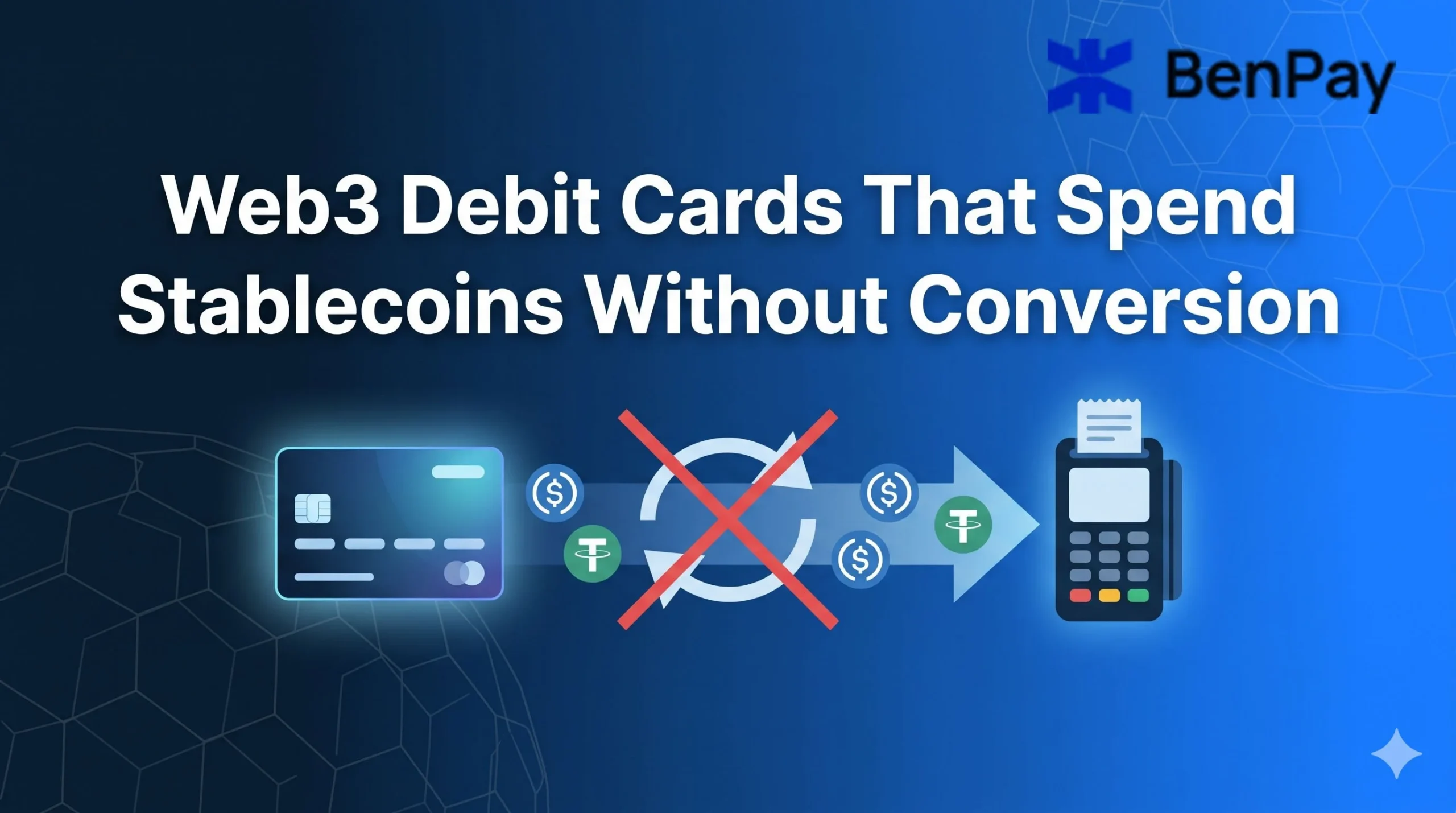
With a regular crypto card on an exchange, spending stablecoins goes something like this:
- Transfer USDC from a wallet to the exchange
- Sell USDC for USD (or EUR, or whatever the card’s base currency is)
- Wait for the fiat balance to settle
- Now the card can be used
With a Web3 debit card, the idea is to skip all of that. Stablecoins stay in a wallet until the moment of purchase, then convert to local currency automatically at checkout. No sell step. No exchange account. No waiting.
But “automatic conversion” works differently depending on the card. Some pull funds from a centralized account that just looks like a wallet. Some route through a smart contract on a specific chain. Some require bridging stablecoins to a chain the card supports before anything works.
This guide covers the Web3 debit cards available in 2026 that handle stablecoin spending without a manual sell step, explains how each one actually processes the conversion, and compares what each approach costs in fees and convenience.
How “Automatic Conversion” Actually Works
When a Web3 card is tapped at a merchant, the following happens in seconds:
- The card network (Visa or Mastercard) sends a payment request to the card issuer
- The issuer’s system checks the linked wallet or account for stablecoin balance
- The required amount of USDC/USDT is converted to fiat at the current rate
- The merchant receives fiat in local currency through the normal card network settlement
The merchant never sees crypto. The payment looks like any other Visa or Mastercard transaction.
The key difference between cards is where the stablecoins sit before step 3 and who controls them until that moment:
- Custodial cards: The stablecoins are in the card provider’s account. The provider controls the funds. Conversion is fast because there is no on-chain transaction at the moment of purchase.
- Self-custodial cards: The stablecoins are in a personal wallet (on-chain). The holder controls the private keys. At the moment of purchase, the card system pulls the stablecoins from the wallet and converts them. This is technically more complex but means the provider never has access to funds until the spend is authorized.
Card-by-Card Breakdown: What Each One Does and Does Not Do
Coinbase Card
- Type: Custodial debit card
- Network: Visa
- Stablecoins supported: USDC (0% conversion fee). Other crypto has a 2.49% liquidation fee.
- How it works: Spends from a Coinbase account balance. USDC is converted to fiat at the moment of purchase with no fee. For other crypto, Coinbase sells the asset and applies a 2.49% spread.
- Manual conversion needed? No (for USDC). The card handles it at checkout.
- Self-custodial? No. Funds must be in a Coinbase account.
- Apple Pay / Google Pay: Yes
- Where available: US, EU/EEA, UK
- USDT supported? No. Coinbase Card only supports USDC as a stablecoin.
What this means in practice: For USDC holders in the US, this is the simplest and cheapest option. 0% fee, automatic conversion, and Visa acceptance worldwide. The downside: Coinbase holds the funds, and USDT is not supported at all. Anyone holding USDT needs to swap to USDC first, which adds a step and possibly a fee.
BitPay Card
- Type: Custodial prepaid card
- Network: Mastercard
- Stablecoins supported: USDC and USDT, 0% conversion fee for both
- How it works: Load stablecoins into the BitPay wallet. The card converts to USD at the time of purchase.
- Manual conversion needed? No. Automatic at checkout.
- Self-custodial? No. Funds are in the BitPay wallet (custodial).
- Apple Pay / Google Pay: Yes
- Where available: US only
- FX fee: 3% on international purchases
- Other fees: $10 card issuance, $10 annual fee after first year, $2.50 ATM fee
What this means in practice: One of the few major cards supporting both USDC and USDT at 0% conversion fee. But the 3% international FX fee makes it poor for travel, and the US-only restriction limits availability. Good for domestic stablecoin spending, not much else.
Bleap Mastercard
- Type: Self-custodial (MPC wallet)
- Network: Mastercard
- Stablecoins supported: USDC, USDT, EURC, EURS across major EVM and Layer 2 networks
- How it works: Stablecoins sit in a non-custodial MPC wallet. At purchase, the card pulls the required amount and converts to fiat. Cashback is paid in USDC.
- Manual conversion needed? No.
- Self-custodial? Yes. Non-custodial MPC wallet with email-based recovery (no seed phrase required).
- Apple Pay / Google Pay: Yes
- Where available: EU/EEA, UK, and expanding markets
- FX fee: 0%
- Cashback: 2% in USDC (monthly cap applies)
- ATM: Free up to $400/month
What this means in practice: The strongest option for self-custodial stablecoin spending in Europe. 0% FX fee, 2% cashback, and no seed phrase management (MPC handles key security). The monthly cashback cap and regional availability are the main limitations.
Gnosis Pay
- Type: Self-custodial (Safe wallet on Gnosis Chain)
- Network: Visa
- Stablecoins supported: EURe (MiCA-compliant euro stablecoin) via Gnosis Chain
- How it works: Card links to a Safe smart-contract wallet. Stablecoins are pulled from the wallet at purchase time and settled through Visa.
- Manual conversion needed? No, but stablecoins must be on Gnosis Chain first. If USDC is on Ethereum, a bridge to Gnosis Chain is required before the card can access it.
- Self-custodial? Yes. Fully on-chain, Safe wallet.
- Apple Pay / Google Pay: Yes (Apple Pay)
- Where available: EU/UK primarily
- Cashback: Up to 4-5% (linked to GNO token)
What this means in practice: The most decentralized option. Funds stay in a Safe wallet until the exact moment of purchase. But the requirement to be on Gnosis Chain specifically means an extra bridge step for most stablecoin holders. Best suited for users already in the Gnosis ecosystem.
MetaMask Card
- Type: Self-custodial (MetaMask wallet)
- Network: Mastercard
- Stablecoins supported: ETH, USDC, stablecoins across supported networks
- How it works: Spend directly from the MetaMask wallet. Choose which assets and which networks to spend from. Conversion quotes are shown in-app before confirming.
- Manual conversion needed? No. Conversion happens at point of sale.
- Self-custodial? Yes. Funds stay in the MetaMask wallet until spent.
- Apple Pay / Google Pay: Support is being rolled out
- Where available: Expanding, supported regions vary
- FX fee: Network rates, no additional MetaMask FX fee
What this means in practice: The most natural fit for existing MetaMask users. No new wallet needed, no fund transfer. The card spends directly from a wallet that millions of DeFi users already have. Regional availability is the main constraint.
BenPay Card
- Type: Self-custodial (BenPay Wallet on BenFen blockchain)
- Network: Visa/Mastercard
- Stablecoins supported: USDT, USDC (bridged to BenFen as BUSD), multi-chain deposit via BenPay Bridge
- How it works: Stablecoins are bridged from 9 chains into BenFen. The card is topped up from the BenPay Wallet balance. At purchase, fiat conversion happens automatically.
- Manual conversion needed? No. Top up the card with stablecoins, spend anywhere.
- Self-custodial? Yes. Private keys stay with the holder. Transactions are authorized on-chain.
- Apple Pay / Google Pay: Yes
- Alipay / WeChat Pay: Yes (unique among Web3 cards)
- Where available: Global, KYC required
- Card tiers:
| Alpha | Sigma | Delta | |
|---|---|---|---|
| Annual fee | $0 | $0 | $0 |
| Monthly fee | $0 | $1 | $0 |
| Top-up fee | 0% | Varies | Varies |
| FX fee | Varies | 0% | Varies |
| Card limit | $200,000 | No cap | No cap |
BenPay is a one-stop on-chain financial platform: store, earn, spend, and transfer crypto in a single app. The platform holds a U.S. FinCEN MSB license and its smart contracts are audited by SlowMist.
What this means in practice: The difference from other self-custodial cards is the integrated ecosystem. BenPay Bridge handles the cross-chain step (USDT/USDC from 9 chains into BenFen). DeFi Earn lets stablecoins generate yield on Aave/Compound strategies while not being spent (15% of profit, zero on principal; APY is variable and not guaranteed). When it is time to spend, the yield and principal are in the same wallet that funds the card.
The Alipay/WeChat Pay support is unique among all cards in this list. For spending in China or Southeast Asian destinations where these payment networks dominate, no other Web3 card currently offers this.
Alpha Card is the choice for stablecoin spending (0% top-up fee). Sigma Card is the choice for international travel (0% FX fee, $1/month).
Comparison: All Cards at a Glance
| Coinbase | BitPay | Bleap | Gnosis Pay | MetaMask | BenPay | |
|---|---|---|---|---|---|---|
| Self-custodial | No | No | Yes (MPC) | Yes (Safe) | Yes | Yes |
| USDC support | Yes (0% fee) | Yes (0% fee) | Yes | EURe | Yes | Yes (as BUSD) |
| USDT support | No | Yes (0% fee) | Yes | No | Limited | Yes (as BUSD) |
| Manual sell needed | No | No | No | No | No | No |
| FX fee | Unclear | 3% intl | 0% | Network rate | Network rate | 0% (Sigma) |
| Apple/Google Pay | Yes | Yes | Yes | Apple Pay | Rolling out | Yes |
| Alipay/WeChat | No | No | No | No | No | Yes |
| DeFi yield built-in | No | No | No | No | No | Yes |
| Availability | US, EU, UK | US only | EU, UK | EU, UK | Expanding | Global (KYC) |
Reading the table:
For USDC holders in the US who want the lowest fees and do not need self-custody, Coinbase Card at 0% conversion is hard to beat on cost. The trade-off is giving funds to Coinbase.
For USDT holders, Coinbase is not an option (no USDT support). BitPay covers both stablecoins at 0% but is US-only and custodial. BenPay supports both via bridge and is self-custodial.
For self-custody in Europe, Bleap offers 0% FX, 2% cashback, and MPC security with no seed phrase. Gnosis Pay is more decentralized (Safe wallet) but requires funds on Gnosis Chain.
For DeFi users who earn yield and want to spend it, BenPay is currently the sole card where earn (Aave/Compound strategies) and spend (card) are in the same app with no transfer to a separate platform.
For travelers to China or Southeast Asia, BenPay’s Alipay/WeChat Pay support is currently unique. No other Web3 card in this list connects to Chinese payment networks.
FAQ
What does “without manual conversion” actually mean?
It means stablecoins do not need to be sold for fiat on an exchange before using the card. The card system handles the conversion at the moment of purchase or at the moment of top-up (depending on the card). The stablecoins are spent as stablecoins from the holder’s perspective; the merchant receives fiat.
Are there still fees even with “automatic” conversion?
In some cases, yes. The conversion at checkout may include a spread (the difference between the market rate and the rate applied). Some cards charge a top-up fee when loading stablecoins. Others charge an FX fee when spending in a foreign currency. “No manual conversion” does not always mean “no cost.” Checking the top-up fee, conversion spread, and FX fee together gives the real picture.
Which card is cheapest for pure USDC stablecoin spending?
Coinbase Card at 0% conversion fee on USDC, with no monthly or annual fee. The cost is zero on the fee side. The cost on the custody side is that funds must sit in a Coinbase account.
Can DeFi yield be spent directly through any of these cards?
Only BenPay currently integrates DeFi Earn (Aave/Compound strategies) in the same app as the card. On other cards, DeFi yield must first be withdrawn from the protocol, possibly bridged, then transferred to the card’s wallet or account. BenPay’s workflow is: redeem from DeFi Earn to BenPay Wallet, top up card, spend.
Is spending stablecoins a taxable event?
In most jurisdictions, spending stablecoins is treated as a disposal. Since USDC and USDT are pegged to $1, the capital gain or loss is typically negligible. However, if the stablecoins were earned as DeFi yield or income, the original receipt may have been taxable. A tax professional can clarify the specifics for a given jurisdiction.