
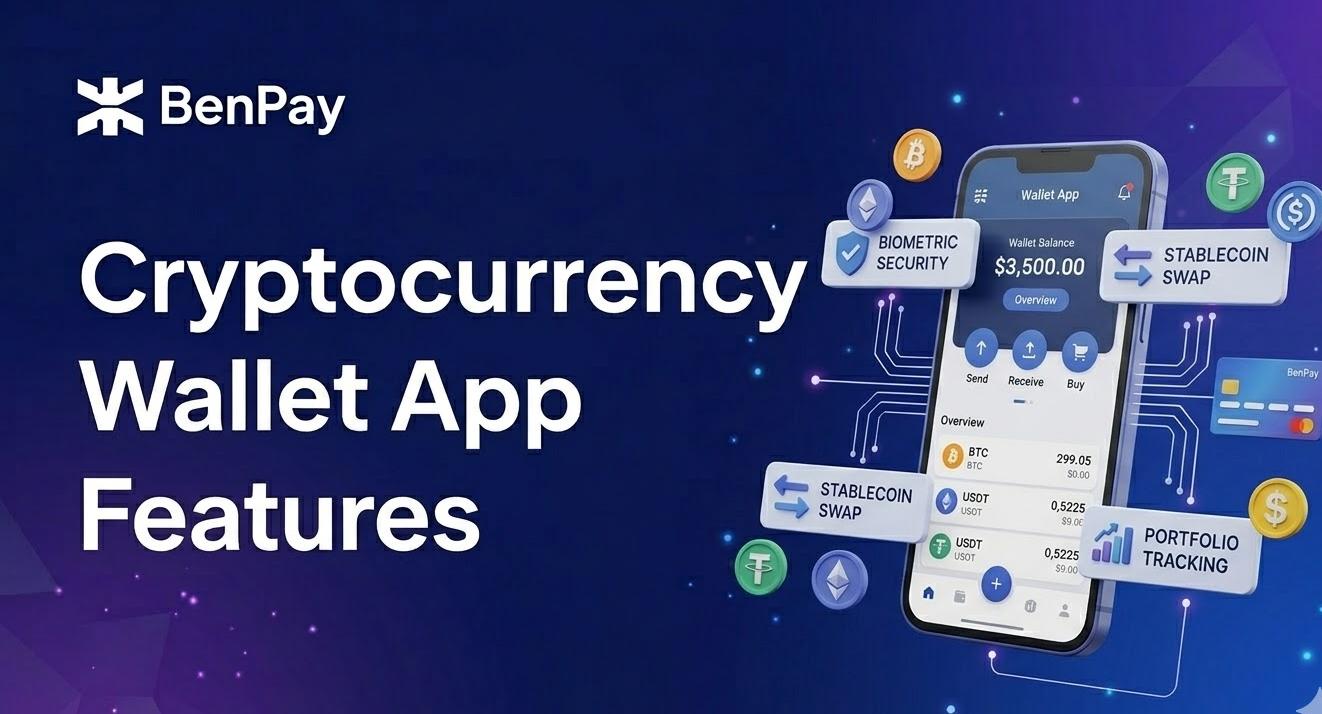
Evaluating cryptocurrency wallet app features can be overwhelming when every product claims to be the best. To find the right fit, you need to look past the marketing and focus on what actually impacts your security and daily use.
Every crypto wallet app claims to be “secure, fast, and easy to use” — but the features that actually matter depend on how you plan to use it. A wallet for long-term holding needs different capabilities than one you’ll use for daily spending or DeFi. This guide breaks wallet app features into three tiers — must-haves, valuable extras, and red flags — so you can evaluate any product, including options like BenPay, based on what you actually need.
Why Feature Lists Alone Don’t Tell You Much
App Store listings for crypto wallets tend to emphasize quantity: “supports 10,000+ tokens,” “available on 50+ chains,” “all-in-one super app.” But more features don’t automatically mean a better product. Most users perform 90% of their daily operations using just 3–5 core functions — send, receive, swap, check balance, maybe stake or earn yield.
The real question isn’t “how many features does it have?” It’s whether the features you use most are well-built, transparent, and secure. A wallet with ten functions done poorly is worse than one with five done well. That’s why it helps to evaluate wallet apps in tiers: what’s non-negotiable, what’s a useful bonus, and what should make you cautious.
What to Look for in a Crypto Wallet App: Must-Have Features
These are the baseline capabilities any serious wallet app should have. If one is missing, proceed with caution.
Self-Custody and Key Management
Does the app let you hold your own private keys? Is there a clear seed phrase generation, backup, and verification process? This is the foundation. If a “wallet app” doesn’t let you export or back up your seed phrase, it’s functionally a custodial product — the platform controls your assets, not you. True self-custody means you can recover your wallet on any compatible device using your seed phrase alone, without depending on the app provider.
Multi-Chain Support That Matches Your Needs
The right question isn’t “how many chains does it support?” — it’s whether it supports the specific chains where you hold assets. If you use Ethereum and Arbitrum, an EVM-focused wallet works fine. If you also hold BTC, assets on Solana, or tokens on newer chains like BenFen, you’ll need broader coverage.
What matters more than raw chain count is the quality of the multi-chain experience: can you view all your assets in one interface without manually adding networks or switching between confusing menus? Some wallets list impressive chain numbers but make switching between them tedious — requiring manual RPC configuration or separate account creation per chain. A well-designed multi-chain wallet lets you manage everything from a single dashboard with minimal friction.
Also consider Layer 2 support: networks like Arbitrum, Optimism, Base, and Polygon offer lower gas fees for everyday transactions. If the wallet supports these out of the box, you’ll save on costs without needing workarounds.
Seed Phrase Backup and Recovery Flow
A well-designed wallet app doesn’t just generate a seed phrase — it guides you through backing it up properly. Look for apps that require a verification step (re-entering the words in order) before letting you proceed, and that clearly explain what happens if you lose your phrase. Apps that let you skip backup entirely or bury it in settings are putting convenience over your security.
Transaction Clarity — What Am I Actually Signing?
Before you confirm any transaction, the app should clearly display: the amount being sent, the recipient address, the network, and the estimated gas fee. For token approvals (granting a DApp permission to spend your tokens), the app should show what you’re approving and ideally let you set spending limits. Vague confirmation screens — where you can’t tell exactly what you’re authorizing — are a security liability.
This is especially important for DeFi interactions, where a single “approve” transaction can grant unlimited access to a specific token in your wallet. Good wallet apps show approval amounts explicitly and let you revoke previous approvals from within the interface.
Tier 2: Valuable Extras (Depends on Your Use Case)
These features aren’t essential for everyone, but they add significant value for specific scenarios.
Payment Card Integration
Can you top up a payment card directly from the wallet and spend crypto via Apple Pay, Google Pay, Alipay, or WeChat Pay? For users who want to spend stablecoins in daily life — coffee, travel, subscriptions — this is a core need, not a bonus. For pure holders or traders, it’s less relevant.
Key things to check: is the fee structure transparent (top-up fee, FX fee, monthly fee)? Which regions does the card support? Are there spending limits per transaction or per month? Some products offer multiple card tiers with different fee structures and limits — reviewing the full comparison before applying can save you from unexpected costs later.
Built-In Swap / DEX Access
Can you exchange tokens inside the app without switching to an external platform? Some wallets use DEX aggregators (which typically find better prices across multiple liquidity sources), while others use fixed-rate conversions. Pay attention to the spread: some wallets advertise “zero fees” but build their margin into the exchange rate — meaning you pay more per token without seeing an explicit fee line.
DeFi and Yield Tools
Does the app integrate DeFi protocols for earning yield on your assets? There’s a spectrum here: some wallets simply include a DApp browser (you find and connect to protocols yourself), while others offer one-click yield products that aggregate protocols like Aave and Compound into a simplified interface. The latter is more accessible for beginners — no need to navigate each protocol’s website, approve multiple transactions, or manage positions across different dashboards.
In both cases, DeFi yields are not guaranteed — they fluctuate based on market liquidity and demand — and smart contract risk exists regardless of how polished the app looks. A well-designed wallet will display current APY ranges (not fixed promises) and clearly state that past returns don’t guarantee future performance.
Cross-Chain Bridge
Can you move assets between blockchains within the app, or do you need to visit an external bridge? Built-in bridges reduce friction, but remember: bridging carries its own risks (smart contract exploits, temporary liquidity issues), and an in-app bridge isn’t inherently safer than an external one. What matters is whether the bridge has been audited and whether the app clearly shows fees and estimated transfer times.
Address Book and Transaction Labels
Can you save frequently used addresses and add notes to transactions? These seem like minor features, but for anyone who sends crypto regularly — paying freelancers, moving funds between personal wallets, or managing team payments — they meaningfully reduce errors and save time.
Tier 3: Red Flags to Watch For
These aren’t missing features — they’re signals that something may be wrong.
Opaque fee structure. If the app doesn’t show gas fee breakdowns, doesn’t disclose swap spreads, or doesn’t publish a card fee schedule — that’s not simplicity, it’s obfuscation.
No way to export your seed phrase or private key. If the app claims “self-custody” but you can’t find an option to view or export your recovery phrase, it may not be truly non-custodial. Test this before depositing any significant amount: try to find the seed phrase export option in settings. If it doesn’t exist, your assets are effectively locked to that app.
Excessive permission requests. A wallet app does not need access to your contacts, SMS, or photo library. If installation requires these permissions, be cautious.
“Guaranteed returns” or “zero risk” claims. Any wallet app or marketing material that promises fixed yields or claims zero risk is either misleading or outright fraudulent. Legitimate products disclose that returns are variable and that risk exists.
Feature Comparison: How Different Wallet Apps Stack Up
Here’s a simplified comparison across three representative wallet apps:
| Feature | MetaMask | Trust Wallet | BenPay Wallet |
| Self-custody | Yes | Yes | Yes |
| Multi-chain | EVM + Snaps extensions | Wide multi-chain support | BTC, ETH, BSC, Polygon, Arbitrum, BenFen, etc. |
| Payment card | No | Via partners | Yes — Apple Pay, Google Pay, Alipay, WeChat Pay |
| Built-in Swap | Yes | Yes | Yes |
| DeFi yield | Manual (connect to DApps) | Manual (connect to DApps) | One-click DeFi Earn (Aave, Compound, Unitas) |
| Cross-chain bridge | Third-party | Third-party | Built-in BenFen Bridge |
| Audit / compliance | Open-source code | Open-source code | SlowMist audit + US MSB license |
This is not a ranking — different products fit different scenarios. MetaMask remains the standard gateway for EVM-based DApps and has the deepest ecosystem of browser extensions and integrations. Trust Wallet offers broad chain coverage and a mobile-first experience. BenPay differentiates through vertical integration: wallet, payment card, DeFi Earn, and cross-chain bridge in a single app — though its ecosystem is newer and some features are region-dependent.
The right choice depends on which features align with your actual usage. A trader who lives in MetaMask’s DApp ecosystem has different needs than a user who wants to spend USDT via Apple Pay at a grocery store.
FAQ
Q1: What is the most important feature in a crypto wallet app?
Self-custody — meaning you hold your own private keys and can recover your wallet independently via your seed phrase. Every other feature builds on top of this foundation. If the wallet doesn’t offer true self-custody, you’re trusting a third party with your assets, which introduces platform risk regardless of how many other features the app includes. For an example of a self-custodial wallet with integrated payment and DeFi tools, see BenPay.
Q2: Should a crypto wallet app have a built-in exchange?
It depends on how often you swap tokens. A built-in exchange saves you from switching to external platforms, which is convenient for frequent swaps. However, compare the effective price you’re getting — some wallets embed their margin in the exchange rate rather than showing an explicit fee, which can make swaps more expensive than they appear. A practical test: before confirming a swap in the wallet, check the same pair on a DEX aggregator like 1inch. If the wallet’s rate is consistently worse by more than 1–2%, the “convenience” may be costing you more than you realize.
Q3: Are more features always better in a wallet app?
Not necessarily. Every additional feature expands the app’s attack surface and adds interface complexity. For beginners, a focused app that does a few things well is often safer and more usable than one packed with features you don’t understand. Choose based on the features that match your actual use case — holding, spending, earning, or trading — rather than chasing the longest feature list. For more on matching wallet type to your needs, see our wallet selection guide.