
Finding your wallet address on Coinbase takes about 30 seconds — but understanding what that address actually represents, and whether it’s the right place to receive your crypto, takes a bit more thought. This guide walks through the exact steps to find your Coinbase wallet address for any supported cryptocurrency, explains the critical difference between a Coinbase deposit address and a non-custodial wallet address, and helps you avoid the most common (and costly) mistakes people make when sharing or using crypto addresses.
How to Find Your Wallet Address on Coinbase (Mobile App)
Here’s the step-by-step process on the Coinbase mobile app — the method most users need:
Step 1: Open the Coinbase app and log in to your account. Make sure you’ve completed identity verification (KYC) — you won’t be able to receive crypto without it.
Step 2: Tap the “Receive” button. On the home screen or portfolio page, tap the circular arrows icon or navigate to the asset you want to receive, then tap “Receive.” On some app versions, you can also tap the specific cryptocurrency (e.g., Bitcoin, Ethereum, USDC) first, then select “Receive” from the asset detail page.
Step 3: Select the correct network. This is the most important step and where mistakes happen. Coinbase will show you a dropdown or option to choose which network you want to receive on. For example, USDC can be received on Ethereum (ERC-20), Solana, Polygon, or other networks. Bitcoin can only be received on the Bitcoin network. If the sender uses a different network than the one you’ve selected, your funds may be permanently lost.
Step 4: Copy or share your address. Coinbase will display a wallet address (a long string of characters) and a QR code. Tap “Copy” to copy the address to your clipboard, or use the QR code for in-person transfers. Always double-check the first and last few characters of the address after pasting — clipboard-hijacking malware exists that replaces copied crypto addresses with an attacker’s address.
Step 5: Share the address with the sender. Send the copied address (or QR code) to whoever is sending you crypto. Remind them to confirm the network matches before sending.
How to Find Your Wallet Address on Coinbase (Desktop / Web)
The process on Coinbase’s web interface is similar:
Step 1: Log in to coinbase.com and navigate to “Assets” or “Portfolio.”
Step 2: Click on the specific cryptocurrency you want to receive (e.g., Bitcoin, Ethereum, USDC).
Step 3: Click “Receive.” Coinbase will display your wallet address and a QR code.
Step 4: Select the correct network from the dropdown if multiple options are available.
Step 5: Copy the address and share it with the sender.
Note on address formats: Different cryptocurrencies have different address formats. Bitcoin addresses typically start with “1,” “3,” or “bc1.” Ethereum and ERC-20 token addresses start with “0x.” Solana addresses are base58-encoded strings. Never try to receive one cryptocurrency at an address meant for another — this can result in permanent loss of funds.
The Three Mistakes That Cost People Money
These aren’t hypothetical — they happen every day and are often irreversible:
Mistake 1: Sending on the wrong network. This is the most common and most costly error. If someone sends USDT on the Tron network (TRC-20) to your Coinbase Ethereum address (ERC-20), the funds may be unrecoverable. Always confirm that both sender and receiver have selected the same network before initiating a transfer. Coinbase has added recovery support for some wrong-network transfers, but this is not guaranteed and typically involves fees and long wait times.
Mistake 2: Copying the wrong address. Clipboard malware can silently replace a copied crypto address with a hacker’s address. After pasting your address into any message or form, verify at minimum the first 4 and last 4 characters match your original. Better yet, use the QR code when possible — it eliminates the clipboard risk entirely.
Mistake 3: Sending to an old or rotated address. Some cryptocurrencies (particularly Bitcoin) use address rotation for privacy — Coinbase may generate a new receiving address each time you click “Receive.” Old addresses usually still work (Coinbase routes them correctly), but it’s best practice to always generate a fresh address. For Ethereum and ERC-20 tokens, your address typically remains the same.
What Your Coinbase Address Actually Is (and Isn’t)
Here’s what most guides won’t tell you: the “wallet address” Coinbase gives you is a deposit address for your Coinbase account. It is not a wallet you control.
When you receive crypto at your Coinbase address, the funds are held by Coinbase — a custodial arrangement. Coinbase controls the private keys associated with that address. You access those funds through your Coinbase login credentials, not through a private key or recovery phrase that you personally manage.
This means:
Coinbase can freeze, restrict, or delay your access to those funds based on their policies, compliance reviews, or regulatory requirements. If Coinbase experiences operational issues, your funds may be temporarily or permanently inaccessible. You are trusting Coinbase — a publicly traded, regulated company — to manage your crypto on your behalf.
When this is fine: For small amounts, for funds you plan to trade or spend quickly via the Coinbase Card, or when convenience outweighs custody concerns.
When this is a problem: For large holdings you want to secure long-term, for stablecoins you want to earn DeFi yield on, or if you’ve experienced (or want to avoid) account freezes and compliance holds. In these cases, a non-custodial wallet — where you hold the private keys — provides direct control that no third party can override.
Coinbase Address vs. Non-Custodial Wallet Address: The Structural Difference
Understanding this comparison helps you decide where your crypto should actually live:
|
Feature |
Coinbase Deposit Address |
Non-Custodial Wallet Address (e.g.,BenPay) |
|
Who holds private keys |
Coinbase (custodial) |
You (self-custodial) |
|
Access method |
Username + password + 2FA |
Recovery phrase (12/24 words) |
|
Can funds be frozen by the provider |
Yes — at Coinbase’s discretion |
No — only you control access |
|
Recovery if credentials lost |
Coinbase account recovery process |
Recovery phrase only — no one else can help |
|
Multi-chain support |
Coinbase-supported networks only |
Depends on wallet;BenPay: BenFen + bridge to ETH, BSC, Arbitrum, Solana |
|
DeFi access |
Limited (Coinbase Wallet app, separate) |
Direct;BenPay DeFi Earn: one-click Aave, Compound, Unitas |
|
Card spending |
Coinbase Card (custodial) |
BenPay Card (non-custodial top-up) |
|
Mobile payments |
Google Pay (Apple Pay limited) |
Apple Pay, Google Pay, Alipay, WeChat Pay |
|
Security audit |
Coinbase internal / SOC 2 |
SlowMist audited (BenPay) |
|
Regulatory status |
U.S. publicly traded, multiple licenses |
U.S. FinCEN MSB (BenFen Inc., Reg. No. 31000260888727) |
|
Best for |
Trading, quick access, simplicity |
Long-term holding, DeFi yield, self-custodial spending |
Neither option is universally better. Coinbase addresses are ideal for receiving crypto you plan to trade immediately. Non-custodial wallet addresses are better for assets you want to control directly — especially stablecoins you intend to hold, earn yield on, or spend without giving up custody.
When to Move Crypto from Coinbase to a Non-Custodial Wallet
After finding your Coinbase address and receiving crypto, the next decision is: should it stay there? Here are the common scenarios where moving to a non-custodial wallet makes sense:
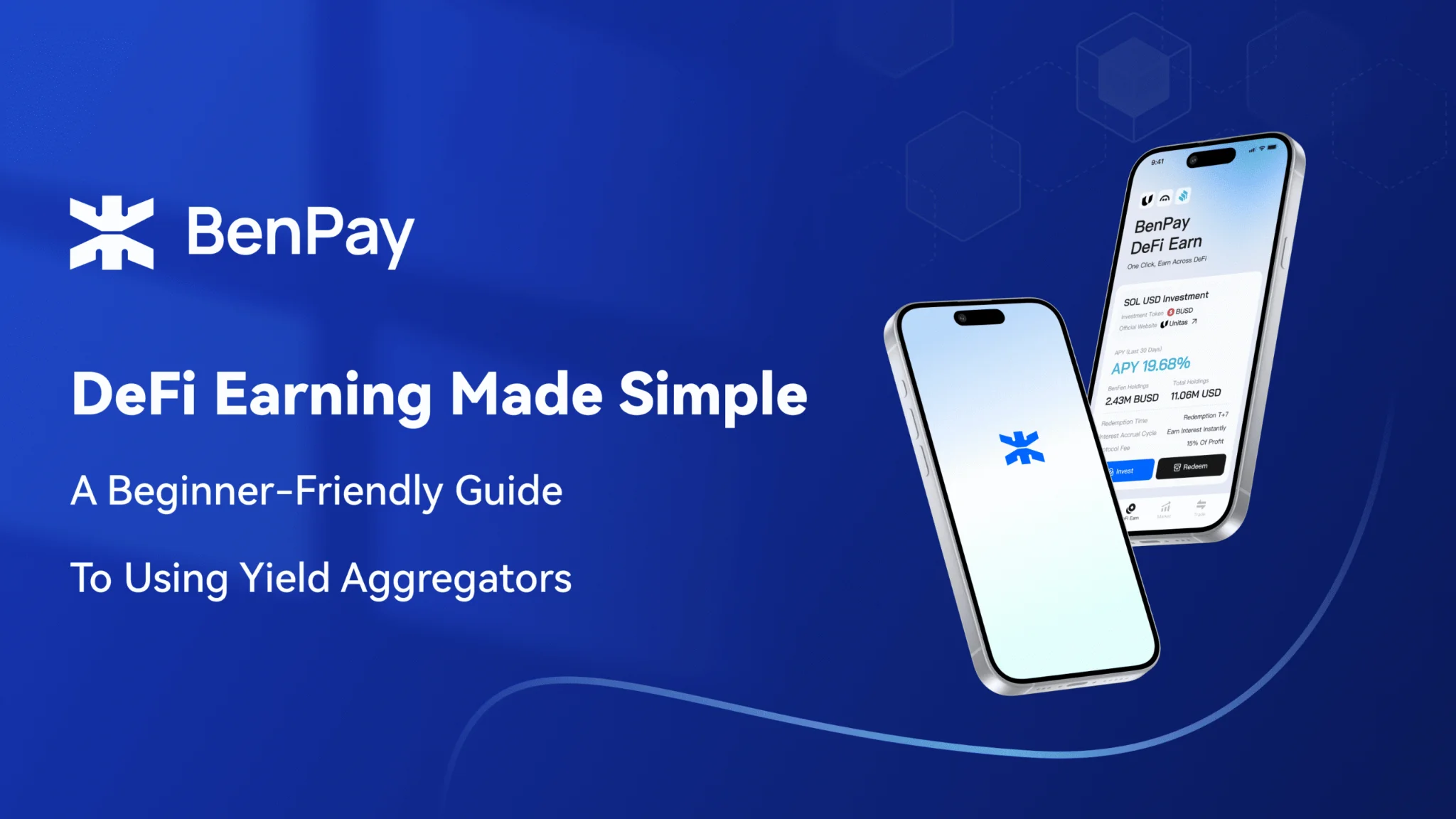
You’re holding stablecoins long-term. If you have USDT or USDC sitting in Coinbase and you’re not actively trading, moving them to a non-custodial wallet likeBenPay Wallet gives you direct control. You eliminate the risk of Coinbase account freezes while retaining the ability to spend viaBenPay Card (Apple Pay, Google Pay, Alipay, WeChat Pay).
You want to earn DeFi yield without custodial risk. Coinbase offers its own earn products, but they’re custodial — Coinbase holds your funds during the earn period.BenPay’s DeFi Earn routes stablecoins to vetted protocols (Aave, Compound, Unitas) non-custodially — you can redeem to yourBenPay Wallet at any time. APY is not guaranteed, fluctuates with market conditions, and carries smart contract risk even with SlowMist audits.
You need payment methods Coinbase doesn’t support. The Coinbase Card doesn’t support Alipay or WeChat Pay. If these are important for your spending patterns — particularly for cross-border transactions in Asia —BenPay Card supports both across all three card types (Alpha, Sigma, Delta).
How to withdraw from Coinbase to a non-custodial wallet:
Open Coinbase → select the asset → tap “Send” → paste your non-custodial wallet address → select the correct network → confirm. Always send a small test transaction first ($1–5) to verify the address and network are correct before sending a larger amount. Network fees apply (varies by chain and congestion).
Choosing the Right Non-Custodial Wallet for Your Coinbase Withdrawal
If you decide to move stablecoins off Coinbase, here’s how the main non-custodial options compare:
|
Feature |
MetaMask |
Trust Wallet | |
|
Stablecoin focus |
General purpose |
General purpose |
Built for USDT/USDC |
|
DeFi access |
Manual dApp connection |
Built-in dApp browser |
One-click DeFi Earn |
|
Debit card |
No |
No |
Yes —BenPay Card direct top-up |
|
Mobile payments |
N/A |
N/A |
Apple Pay, Google Pay, Alipay, WeChat Pay |
|
Cross-chain bridge |
Third-party bridges |
Third-party bridges |
BenPay Bridge (ETH, BSC, Arbitrum, Solana) |
|
Security audit |
Community audited |
Community audited |
SlowMist audited |
|
Regulatory backing |
None |
None |
U.S. FinCEN MSB |
|
Best for |
EVM DeFi power users |
Multi-chain holders |
Store, earn, and spend stablecoins |
The deciding factor: If your primary goal is to hold stablecoins, earn yield, and eventually spend them in daily life — all without giving up self-custody —BenPay Wallet is purpose-built for that workflow. If you need broad multi-chain DeFi access or Ethereum dApp interaction, MetaMask or Trust Wallet may be more appropriate.
FAQ
1. Does my Coinbase wallet address change?
For Bitcoin, Coinbase may generate a new address each time you tap “Receive” (for privacy). Old addresses still work. For Ethereum and ERC-20 tokens, your address generally stays the same.
2. Can I use my Coinbase address to receive any cryptocurrency?
No. Each cryptocurrency has its own address format and network. Sending Bitcoin to an Ethereum address, or sending USDT on the wrong network, can result in permanent loss. Always match the asset and network between sender and receiver.
3. Is my Coinbase wallet address the same as a non-custodial wallet address?
Structurally, both are blockchain addresses. The critical difference is custody: Coinbase controls the private keys for your Coinbase address, while you control the private keys for a non-custodial wallet address. This determines who can access, freeze, or recover the funds.
4. How do I move crypto from Coinbase to a non-custodial wallet?
In the Coinbase app, select the asset, tap “Send,” paste your non-custodial wallet address, choose the correct network, and confirm. Send a small test amount first. Network fees apply and vary by chain.
5. Which non-custodial wallet lets me spend stablecoins at stores?
Most non-custodial wallets (MetaMask, Trust Wallet) are storage-only.BenPay Wallet connects directly toBenPay Card, enabling spending via Apple Pay, Google Pay, Alipay, and WeChat Pay without transferring to a custodial platform.
6. Is it safe to share my wallet address publicly?
Yes — a wallet address is designed to be shared for receiving funds. It’s similar to a bank account number. However, never share your private key or recovery phrase. Anyone with your recovery phrase can take all your funds.